
Shearwater vs TUSA
Tern TX vs Element III Dive Computer
Which one would we buy?
 Shearwater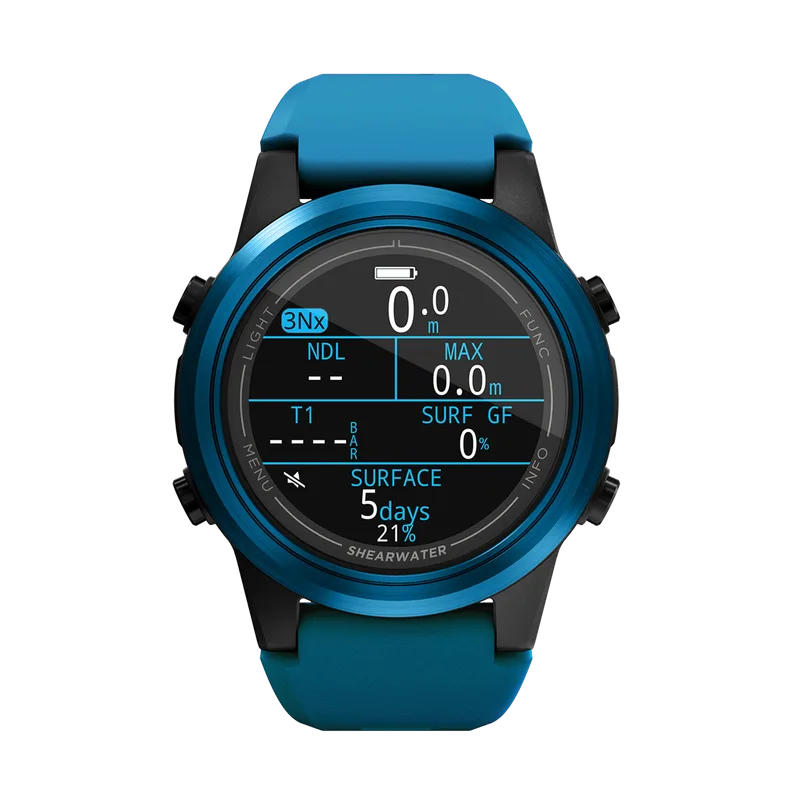

 TUSA
TUSA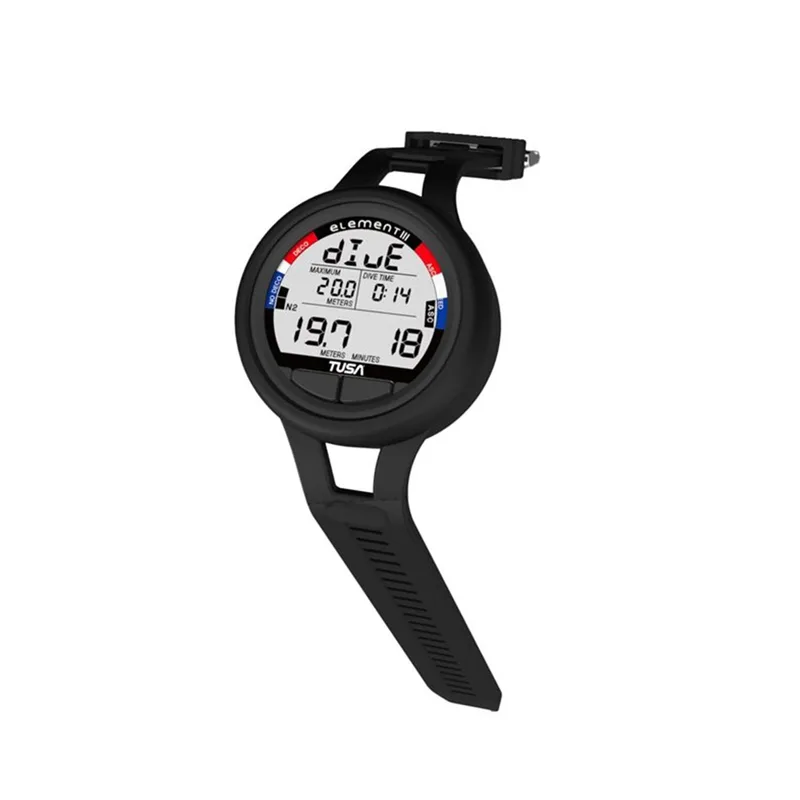
Scores are our editorial opinion of these models, based on features, suitability and ownership trade-offs—not hands-on test results. How we chose →
We’d pick the Tern TX.
Our pick is Shearwater Tern TX. We prefer Tern TX when a compact watch shape matters but you still want tank pressure and a compass.
Which one suits you?
Shearwater Tern TX
We prefer Tern TX when a compact watch shape matters but you still want tank pressure and a compass. The 1.3-inch screen is smaller than Peregrine TX's, so check readability at wrist distance.
Get to know this model →TUSA Element III Dive Computer
We see Element III as an option for buyers who want a more traditional dive-computer approach. We would start with the colour-screen choices here when display presentation is the main priority.
Get to know this model →Specifications side by side
The details that matter, side by side. “Check with the brand” means we have not confirmed that detail.
| Detail | Shearwater Tern TX | TUSA Element III Dive Computer |
|---|---|---|
| DisplayCheck with the brand | 1.3-inch AMOLED | Check with the brand |
| WeightCheck with the brand | 100 g | Check with the brand |
| Battery | Rechargeable; wireless charging | User-replaceable CR2450 |
| Wireless tank pressureCheck with the brand | Yes; up to 4 optional transmitters | Check with the brand |
| Digital compassCheck with the brand | Yes | Check with the brand |
| ModelCheck with the brand | Check with the brand | IQ1101 |
| AlgorithmCheck with the brand | Check with the brand | Bühlmann ZHL-16C |
| ModesCheck with the brand | Check with the brand | Dive, gauge and watch; nitrox support |
| Log capacityCheck with the brand | Check with the brand | More than 500 dives |
Showing all 9 specification rows.
What the differences mean when you buy
Display and control format
Shearwater Tern TX
- Display
- 1.3-inch AMOLED
- Weight
- 100 g
TUSA Element III Dive Computer
Ask the brand about this detail before ordering.
Look at the main information at normal wrist or console distance, with your usual vision correction. Display technology and diagonal size are useful facts, but they do not predict your ability to read smaller secondary information. Try menu navigation and controls with gloves. A feature upgrade within one family may retain exactly the same screen size.
Pressure monitoring and compatible accessories
Shearwater Tern TX
- Wireless tank pressure
- Yes; up to 4 optional transmitters
- Digital compass
- Yes
TUSA Element III Dive Computer
Ask the brand about this detail before ordering.
Identify whether pressure comes from a compatible wireless transmitter, a direct hose connection or a separate instrument. Optional support does not mean the accessory is included. Confirm the exact transmitter generation, number supported and installation requirements. A shared radio concept or brand family is not enough to assume cross-model compatibility.
Battery, modes and ownership
Shearwater Tern TX
- Battery
- Rechargeable; wireless charging
TUSA Element III Dive Computer
- Battery
- User-replaceable CR2450
- Modes
- Dive, gauge and watch; nitrox support
- Algorithm
- Bühlmann ZHL-16C
- Log capacity
- More than 500 dives
Check the current manual for supported modes and settings rather than relying on the computer’s price tier. Rechargeable and replaceable batteries create different travel routines. Confirm approved battery types, charging hardware and the supported logging workflow. An algorithm name is not a promise of identical behaviour across computers or firmware versions.
A closer look at both
Tern TX
A compact AMOLED dive computer that adds wireless tank-pressure monitoring and a tilt-compensated compass to the Tern format. It accepts up to four transmitters and supports air, nitrox, three-gas nitrox, gauge and freediving modes.
What we like
We prefer Tern TX when a compact watch shape matters but you still want tank pressure and a compass.
What would make us think twice
The 1.3-inch screen is smaller than Peregrine TX's, so check readability at wrist distance.
More about the Tern TX →Element III Dive Computer
The Element III, model IQ1101, is a wrist computer with a backlight, audible alerts and a user-replaceable CR2450 battery. TUSA lists nitrox support, water activation and dive, gauge and watch modes. Its published log capacity is more than 500 dives, and a console version is a separate buying choice.
What we like
We see Element III as an option for buyers who want a more traditional dive-computer approach.
What would make us think twice
We would start with the colour-screen choices here when display presentation is the main priority.
More about the Element III Dive Computer →Four checks before you place an order
- Try the display and secondary information at the distance you will actually read it.
- Confirm required diving modes and the exact model or wired-system variant against the current manual.
- Identify compatible transmitters, chargers and any separately purchased installation parts.
- Review battery procedures, firmware support, logging compatibility and local servicing before paying.
Ask for a quote for the complete kit, including the accessories you need. That makes the price comparison much more useful.
Price, accessories and owning the equipment
Request a computer-only and complete-system price if pressure integration is part of the decision. Transmitters, charging accessories and installation can change the apparent upgrade cost substantially. The price of replacing accessories you already own belongs in the comparison as well; do not assume cross-brand or cross-generation compatibility.
Upgrade for a feature you will actually use: a clearer display, tank pressure on the wrist or a mode your diving calls for. We would rather have a readable everyday screen than a long menu of functions we never open.
How we scored these models & further reading
These are our subjective buying scores out of 100. We weigh the usefulness of the features, the intended diving or carrying job, and the compromises involved in owning the gear. They are not laboratory measurements, safety grades or customer averages. The verdict applies to the two named models, not everything either brand makes.
90–100: one of our first choices for the stated job. 80–89: a strong option with trade-offs. 70–79: a more specific fit. A different fit, camera, valve or dive plan can change which one you should buy.
Shearwater Tern TX
- Manufacturer details
- Dive Otter: Shearwater Tern TX Review
- DIVEIN: Shearwater Tern/TX Dive Computer Review
TUSA Element III Dive Computer
Product details and further reading →Questions worth settling
Can I make the simpler model equivalent by adding a transmitter?
Only if that exact computer supports the compatible transmitter. Optional accessories cannot supply a capability the base computer does not have. Check the model-specific manual and the full compatible package before buying either component.
Which is the better buy for this particular comparison?
The 1.3-inch screen is smaller than Peregrine TX's, so check readability at wrist distance. We see Element III as an option for buyers who want a more traditional dive-computer approach.
Our pick is where we would start. Choose the other model if its fit or features better match your setup—especially where a camera, valve, boot or exposure suit needs an exact match.